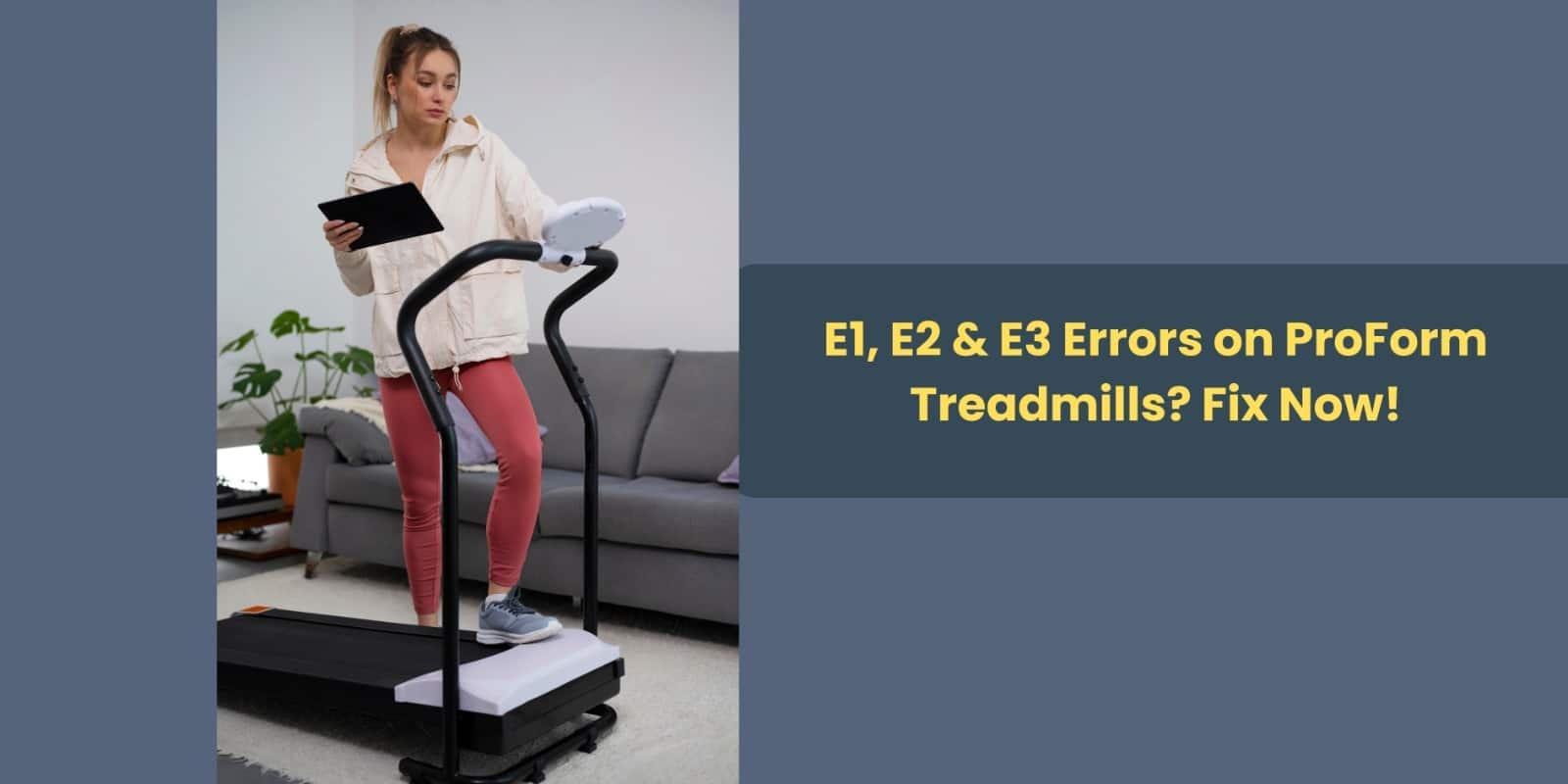
How to Fix E1, E2 & E3 Errors on ProForm Treadmills

Seeing an error code like E1, E2, or E3 on your treadmill screen can be frustrating, especially when you’re ready to start your workout. These error messages usually indicate a small technical issue related to the speed sensor, motor system, or belt movement. The good news is that in most cases, these problems can be fixed at home without needing professional repair.

If you’re using models like the Pro-Form Treadmill Pro-2000, ProForm Treadmill Carbon Model TL, or ProForm USA, Carbon T7 Treadmill, the troubleshooting steps are generally the same because these treadmills use a similar motor and control system. Understanding what each error means can help you fix the issue quickly and get back to your fitness routine.

What Is an E1 Error on a ProForm Treadmill?

The E1 error usually indicates a speed sensor problem. The speed sensor monitors how fast the treadmill belt is moving and sends that information to the console. If the console stops receiving accurate data, it will display an E1 error.

This can happen due to misalignment, loose wiring, or dust buildup near the sensor.

How to Fix the E1 Error

Follow these simple steps to troubleshoot the problem:

  1. Turn off the treadmill and unplug it from the power outlet.
  2. Remove the motor cover carefully using a screwdriver.
  3. Locate the speed sensor, which is usually positioned near the front roller or motor flywheel.
  4. Check if the sensor is aligned with the magnet on the roller.
  5. Ensure the gap between the magnet and sensor is about 1/8 inch.
  6. Tighten any loose screws or wires.
  7. Clean dust or debris from the motor area.
  8. Replace the cover, plug the treadmill back in, and test it.

Often, simply adjusting the sensor or cleaning the motor area resolves the error.

What Is an E2 Error on a ProForm Treadmill?

The E2 error is typically related to the motor control system or voltage supply. It can occur when the treadmill motor becomes overloaded or when the machine is not receiving stable power.

Sometimes the error may also appear if the treadmill is connected to an extension cord or if there is a sudden fluctuation in electricity.

How to Fix the E2 Error

Try the following troubleshooting steps:

  1. Turn off and unplug the treadmill.
  2. Wait 5 to 10 minutes to allow the internal system to reset.
  3. Make sure the power cord is plugged directly into a wall outlet.
  4. Avoid using extension cords or power strips.
  5. Open the motor cover and inspect wiring connections.
  6. Check the motor control board for burn marks or loose cables.
  7. Plug the treadmill back in and restart it.

In many cases, simply resetting the treadmill and ensuring proper power supply fixes the issue.

What Is an E3 Error on a ProForm Treadmill?

The E3 error usually indicates an overspeed condition. This means the treadmill belt is moving faster or slower than what the console expects.

This problem often occurs due to belt friction, improper lubrication, or incorrect belt tension.

How to Fix the E3 Error

Follow these steps to troubleshoot:

  1. Check if the walking belt moves smoothly when running.
  2. If the belt feels dry, apply treadmill lubricant under the belt.
  3. Inspect the belt tension. If it is too tight or slipping, adjust it using the rear roller bolts.
  4. Recheck the speed sensor alignment, as a misaligned sensor can also cause overspeed errors.
  5. Restart the treadmill and test it at a low speed first.

Proper belt maintenance is important because a dry belt creates friction, which puts extra stress on the motor system.

Quick Reset Method (Try This First)

Before opening the treadmill or checking internal components, always try a simple reset. This can clear temporary glitches in the system.

Reset Steps

  1. Turn off the treadmill.
  2. Unplug it from the power outlet.
  3. Wait for at least 5 minutes.
  4. Plug the treadmill back in.
  5. Restart the machine.

Many users find that this quick reset resolves minor electronic errors.

How to Prevent E1, E2, and E3 Errors

Regular treadmill maintenance can significantly reduce the chances of seeing these errors again.

Here are a few important maintenance tips:

  • Lubricate the treadmill belt every 2–3 months.
  • Keep the motor compartment clean and dust-free.
  • Check belt alignment and tension regularly.
  • Avoid exceeding the maximum user weight limit.
  • Always plug the treadmill into a stable power source.
  • Perform routine inspections of wires and connections.

Taking these preventive steps not only helps avoid error codes but also extends the overall lifespan of your treadmill.

Final Thoughts

E1, E2, and E3 errors on ProForm treadmills may seem alarming at first, but they are usually caused by minor issues such as sensor misalignment, belt friction, or power supply problems. With a little troubleshooting and basic maintenance, most users can fix these problems at home without professional assistance.

However, if the error continues to appear or you notice burning smells, unusual noises, or motor overheating, it’s best to contact a qualified technician. Proper care, regular lubrication, and occasional inspections will keep your treadmill running smoothly for years.

For reliable parts, expert guidance, and maintenance support in Pakistan, Fitness Depot is a trusted resource to help you keep your ProForm treadmill in top condition.

(FAQs)

1. Why does my ProForm treadmill show an E1 error?

An E1 error usually means the speed sensor is not sending correct data to the console. This can happen if the sensor is misaligned, dirty, or disconnected.

2. Can I fix treadmill error codes at home?

Yes, many treadmill errors like E1, E2, and E3 can be fixed at home by checking the speed sensor, resetting the machine, lubricating the belt, or ensuring proper power supply.

3. How often should I lubricate my ProForm treadmill?

Most treadmill manufacturers recommend lubricating the belt every 2–3 months, depending on how frequently the treadmill is used.

4. What causes the E3 overspeed error?

The E3 error usually occurs when the belt speed does not match the console reading, often due to belt friction, improper tension, or speed sensor issues.

5. When should I call a technician for treadmill errors?

If the error continues after troubleshooting, or if you notice burn marks, motor overheating, or strange noises, it is safer to contact a professional technician.


Leave a Reply

Your email address will not be published. Required fields are marked *

Related Projects